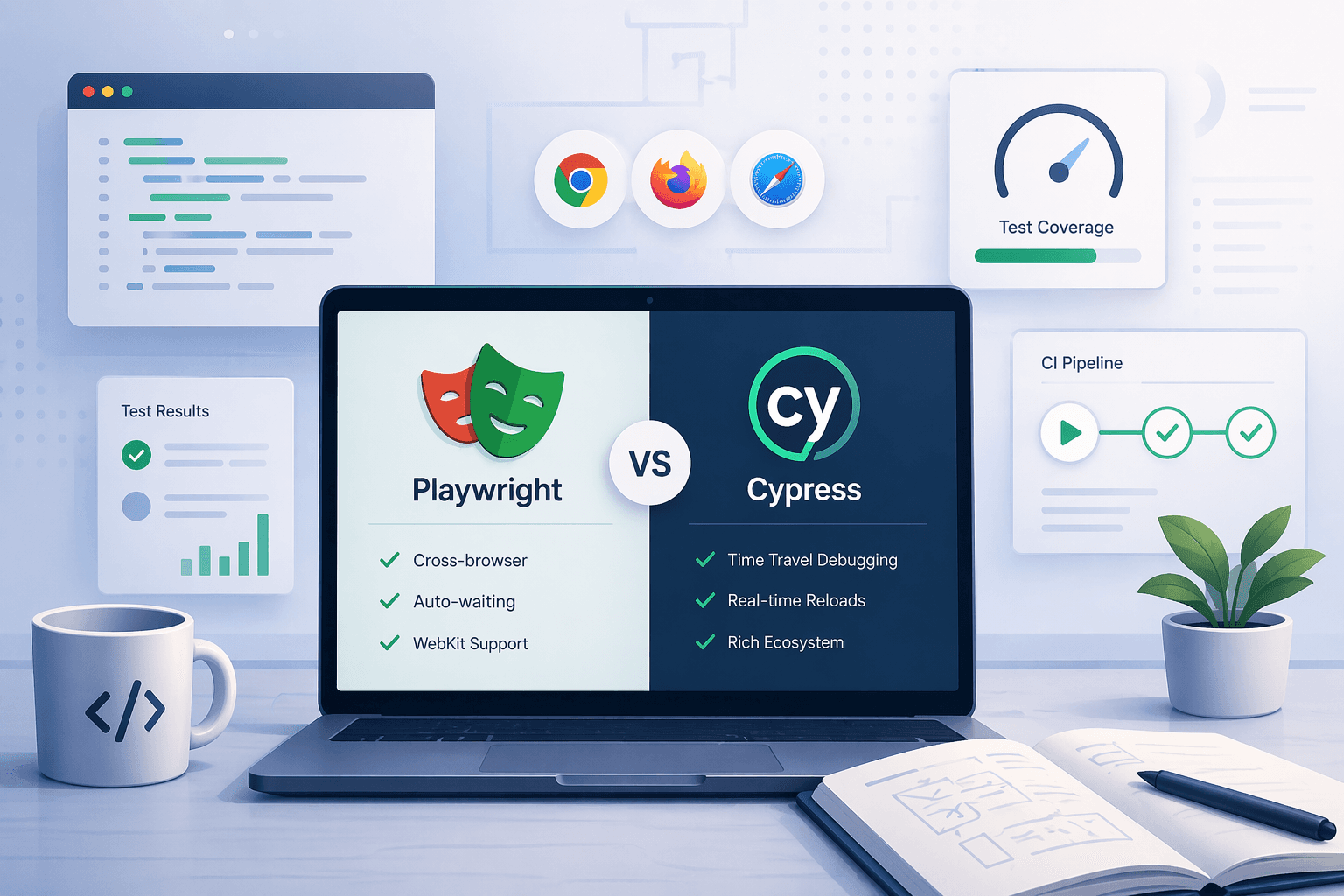

The decision has changed since you last evaluated it
Most "Playwright vs Cypress" comparisons online are already outdated. They compare API ergonomics, execution speed, and browser support — all valid questions, but not the ones that differentiate the two frameworks in 2026.
Today the real comparison includes AI-assisted test generation, browser-agent workflow support, observability during CI, accessibility tooling maturity, and how well the framework integrates with the rest of your engineering stack. Both Playwright and Cypress have moved in these directions — but from different starting assumptions, and toward different destinations.
This guide compares both frameworks on the factors that actually matter for a modern QA team. It is not a declaration that one framework wins. It is a structured way to figure out which one fits your team's specific situation.
Where Playwright has the stronger architecture in 2026
Playwright's fundamental design choice — running tests in a separate process, communicating with the browser over the Chrome DevTools Protocol — gives it structural advantages that compound as your test suite scales.
Cross-browser coverage is the most visible one. Playwright supports Chromium, Firefox, and WebKit (Safari) with a consistent API. Cypress runs natively in a Chromium-based browser and uses a proxy-based approach for others, which creates meaningful friction for teams that need verified cross-browser parity.
Parallelism and isolation are the less visible but equally important advantages. Each Playwright test worker gets its own browser context — isolated cookies, storage, and state. That makes parallel execution reliable at scale without flaky cross-test contamination. Cypress parallelism requires a paid cloud subscription and has historically needed more care to keep tests truly independent.
- Native WebKit/Safari support — verified execution, not approximation
- Fully isolated browser contexts per test worker by default
- Built-in support for multiple tabs, frames, popups, and file downloads
- Network interception with request/response modification at the protocol level
- First-class support for browser automation AI agents via Playwright MCP
- Playwright Test Agents: documented planner, generator, and healer roles
Where Cypress still holds its ground
Cypress's biggest advantage is its developer experience during local development. The interactive test runner, time-travel debugging, automatic waiting, and clear failure messages make it genuinely pleasant to write and iterate on tests when you are working on a single-browser Chromium-first application.
Cypress also has a tighter integration between test execution and cloud observability. Cypress Cloud gives teams run-aware debugging, flakiness detection, and test replay out of the box. Its March 2026 Cloud MCP release extended this to AI-assisted debugging: your AI assistant can query your test run history and get structured answers about failures, patterns, and coverage gaps.
For teams with an existing Cypress stack, a large component test suite, or heavy investment in Cypress Cloud's reporting, the switching cost is real. Framework migration only creates value when the new framework solves problems the old one genuinely cannot. If Cypress is working, that bar matters.
- Best-in-class interactive test runner for local development feedback loops
- Cypress Cloud: replay, flakiness scoring, and AI-assisted run analysis (Cloud MCP)
- cy.prompt: natural-language test generation and self-healing in the test runner
- Strong component testing story for React, Vue, and Angular teams
- Established ecosystem of plugins, recipes, and community resources
The Playwright locator problem most teams underestimate
Moving to Playwright does not automatically fix selector stability. The most common failure pattern for teams migrating from Cypress or Selenium is carrying their old selector habits into Playwright — leaning on CSS class names, brittle XPath expressions, or test IDs that do not survive a frontend refactor.
Playwright's recommended selector strategy prioritizes user-visible attributes: getByRole, getByLabel, getByText, and getByPlaceholder. These are more resilient because they reflect how users interact with the application, not the implementation details of how it is built.
The teams that get the most stable Playwright locators tend to combine three practices: using ARIA-role selectors as the first choice, reserving data-testid attributes for elements with no semantic role, and auditing selectors during code review rather than discovering them through CI failures.
If your team is seeing flaky Playwright tests, brittle locators are the first place to look. A significant portion of flakiness in Playwright suites comes not from timing issues — which is what most debugging guides focus on — but from selectors that are fragile to begin with.
Flaky tests: the problem that does not go away by switching frameworks
Flaky Playwright tests are one of the most commonly searched problems in browser automation, and one of the most misunderstood. Most advice focuses on increasing timeouts and adding retries. That is not debugging — it is masking.
Real flakiness reduction requires understanding the failure category. Locator fragility, race conditions on async state, environment-specific timing, test ordering dependencies, and shared state between tests all produce flaky results, but they require different fixes. Retries hide all of them equally.
Good debugging workflow matters as much as the test code itself. When a test fails in CI but not locally, you need the execution trace, screenshot sequence, network log, and console output from the CI run to diagnose it. Without that, you are reproducing failures from scratch every time — which is expensive and often inconclusive.
Tynkr captures the full execution evidence for every run automatically. When a workflow fails, the trace, screenshots, and network log are immediately available for review — no re-run required. That changes debugging from a scavenger hunt into a structured review, which is why teams using Tynkr typically close flakiness investigations significantly faster.
Accessibility testing: where Playwright has a structural advantage
Playwright's integration with axe-core is the most complete accessibility automation story available in either framework as of 2026. The @axe-core/playwright package gives teams programmatic access to WCAG violation reporting inside the same test runner as their functional tests — no separate tool, no separate pipeline step.
Cypress has an accessibility plugin as well, and Cypress Cloud added accessibility scoring to its reporting surface in Q1 2026. But the Playwright approach is more composable: you can write assertions that check specific WCAG rules on specific components, integrate them into CI gates, and fail builds on accessibility regressions the same way you fail them on functional regressions.
The team that benefits most from this is not the team that does periodic manual accessibility audits. It is the team that wants accessibility treated as a first-class quality signal, running on every deploy, producing results in the same report as functional test coverage.
Tynkr includes accessibility checks as a built-in workflow step. You can add an axe-core scan to any automation flow and get a structured violation report alongside your functional test results and Lighthouse audit scores — all in one place, without stitching together separate tools.
When a cypress to playwright migration is worth doing
Migration is not free. Rewriting tests takes time, teams need to learn new APIs, and the risk of introducing coverage gaps during the transition is real. Before committing to a cypress to playwright migration, the decision should be driven by specific, recurring pain points — not framework popularity.
The cases where migration typically pays off: your application has meaningful traffic on Safari or Firefox and you cannot verify those browsers reliably with Cypress; your test suite has grown to a size where parallelism limitations are slowing CI meaningfully; you need browser-agent workflow support or Playwright MCP integration; or your team is starting fresh and wants the framework with the stronger long-term architecture.
The cases where migration is likely a mistake: your Cypress suite is stable, your team is productive with it, your application is Chromium-only, and the pain you feel is about test maintenance or flakiness — problems that exist in Playwright too and require workflow improvement to solve.
If you do migrate, the most effective approach is incremental. Run both frameworks in parallel during the transition, starting with new test coverage in Playwright while keeping existing Cypress tests stable. Tynkr's Playwright import lets you bring in your existing specs from GitHub and build on them with orchestration and visual tooling, which reduces the bootstrapping cost significantly.
The missing layer: observability and reporting for the whole team
One of the most consistent gaps in browser automation at scale is not framework capability — it is what happens with the results. Test output lives in CI logs that only engineers want to read. Product managers, QA leads, and stakeholders cannot extract signal from raw stdout. Release decisions get made based on "tests passed" without anyone understanding what was actually tested.
Modern QA requires results that are legible to the whole team. That means shareable execution reports with screenshots and logs, trend visibility across releases, integration with the tools teams already use (Jira, GitHub, Slack, Azure DevOps), and a clear way to distinguish flaky signals from genuine regressions.
Tynkr is built around this observability gap. Every workflow run produces a structured report with execution trace, screenshots at each step, network logs, API call records, and a shareable link — not a CI artifact that requires access to read. Results push to GitHub pull requests, Jira tickets, or Slack channels automatically, so the right people see the right signal without anyone manually following up.
A practical decision matrix for the Playwright vs Cypress choice
Rather than a verdict, here is a structured way to think about the decision for your specific context.
- New project, no legacy constraints → Playwright. Broader browser coverage, stronger isolation, better AI-workflow architecture.
- Existing Cypress stack, stable tests, Chromium-only → Consider staying. The switching cost may not justify the gain.
- Need verified Safari/Firefox coverage → Playwright. Cypress does not give you native WebKit.
- AI-assisted automation and browser-agent workflows are a priority → Playwright MCP and Test Agents are more mature.
- Heavy investment in Cypress Cloud debugging and reporting → Evaluate carefully. Cloud MCP is compelling for Cypress teams.
- Selenium to Playwright migration → Almost always worth it. The architecture, API, and long-term trajectory are both stronger.
- High test flakiness regardless of framework → Fix the workflow first. Migration alone will not solve it.
Why the operating model matters more than the framework choice
The clearest pattern in 2026 is that teams with reliable browser automation are not necessarily using the "best" framework. They are the teams that have built a reliable operating model around their framework: consistent locator patterns, fast debugging loops, shared observability across engineering and QA, and automated release gates that the whole team trusts.
Playwright provides the strongest foundation for that operating model in 2026. But the foundation alone does not build the house.
Tynkr gives teams the layer between the framework and the operating model: visual workflow orchestration, AI-assisted automation generation, Playwright import from GitHub, real-browser execution with full evidence capture, visual regression, accessibility checks, Lighthouse audits, and integrations that push results into the tools your team already uses. If you are evaluating Playwright vs Cypress, or planning a migration, or trying to stabilize a flaky test suite — that operating layer is usually what determines whether the investment actually pays off.